
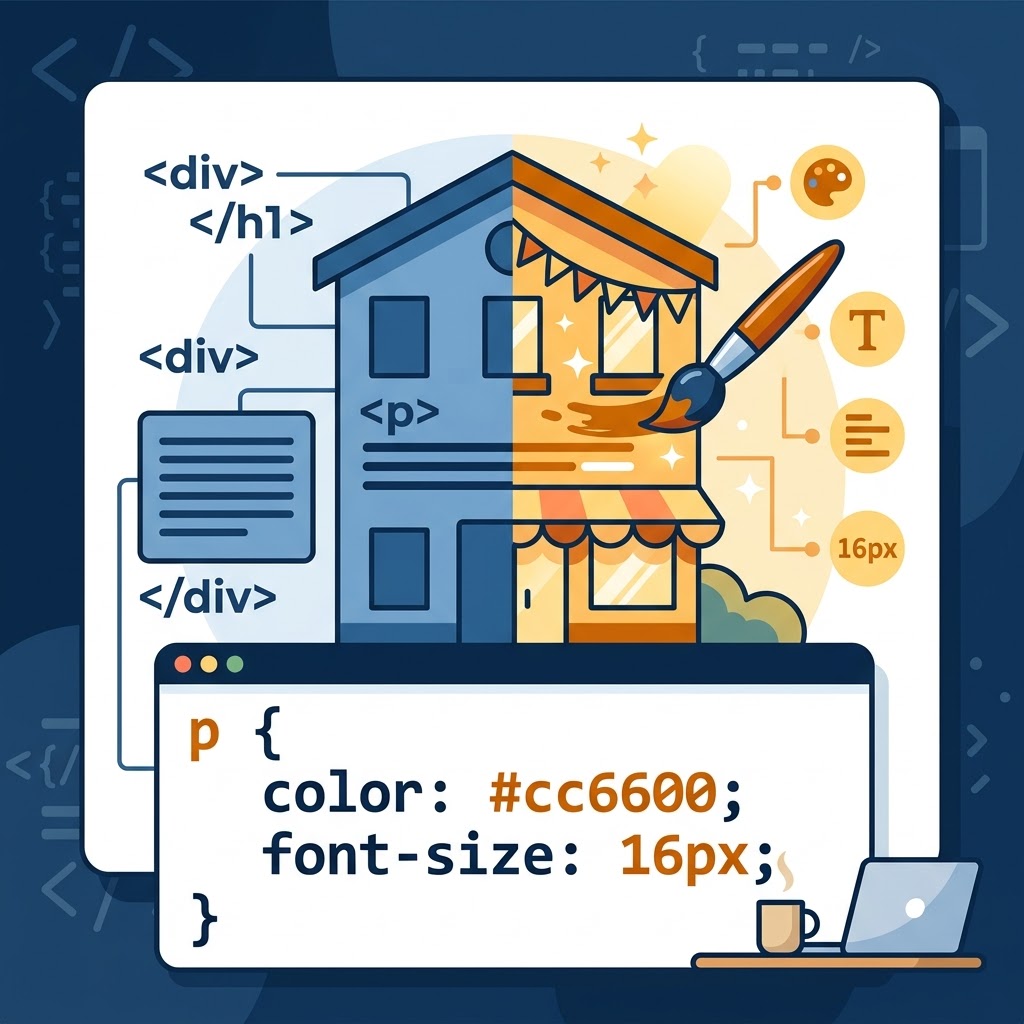
Intro to CSS for Beginners and Return Learners
CSS stands for Cascading Style Sheets. It controls how HTML elements look on a webpage, from colors and fonts to spacing and layout.
Think of HTML as the structure of a house and CSS as the paint, decorations, and interior design. HTML gives your content its structure, while CSS makes it visually appealing and easier to navigate.
What Can CSS Do?
CSS gives you control over the appearance of your website. You can use it to:
– Change text colors and font sizes.
– Add backgrounds and borders.
– Control spacing between elements.
– Adjust alignment and layout.
– Make pages adapt to different screen sizes.
Without CSS, a webpage can still function, but it won’t have the same level of visual customization.
Understanding CSS Syntax
A CSS rule tells the browser how to style a particular element. Here’s a simple example:
p { color: blue; font-size: 16px;}Let’s break it down:
– “p” — Selector: Targets all paragraph elements.
– “color” — Property: Specifies what you’re changing.
– “blue” — Value: Determines the text color.
– “font-size” — Property: Controls the size of the text.
– “16px” — Value: Sets the font size to 16 pixels.
Each declaration ends with a semicolon, and the declarations go inside curly brackets.
Three Ways to Add CSS
There are three common ways to apply CSS to HTML:
1. External CSS: Written in a separate “.css” file and connected to the HTML document.
2. Internal CSS: Written inside a “<style>” element in the HTML document.
3. Inline CSS: Added directly to an HTML element using the “style” attribute.
External CSS is generally the best choice for maintaining a website because one stylesheet can style multiple pages. This makes updates easier and helps keep your HTML organized. External CSS should be used for the main theme and setup of the website or program.
Internal CSS is perfect for customizing pages. Let’s say you have one single page that needs to stand out amongst the other pages of a website. Internal CSS, placed directly into the page header, is great for that purpose. This allows you to customize the page without disturbing the overall CSS for other pages.
Inline CSS will override external and internal CSS. With inline CSS, you add your CSS code directly into a line of HTML. This allows you to further customize your content by styling specific elements on a web page.
Practice Makes Progress
Try changing the paragraph’s color from “blue” to “darkred”. Then experiment with the font size.
Small changes are a great way to learn how CSS properties work together.
Remember: HTML builds the structure. CSS controls the presentation. Learning how these two work together is a fundamental step toward building websites of your own.
Leave a Reply