
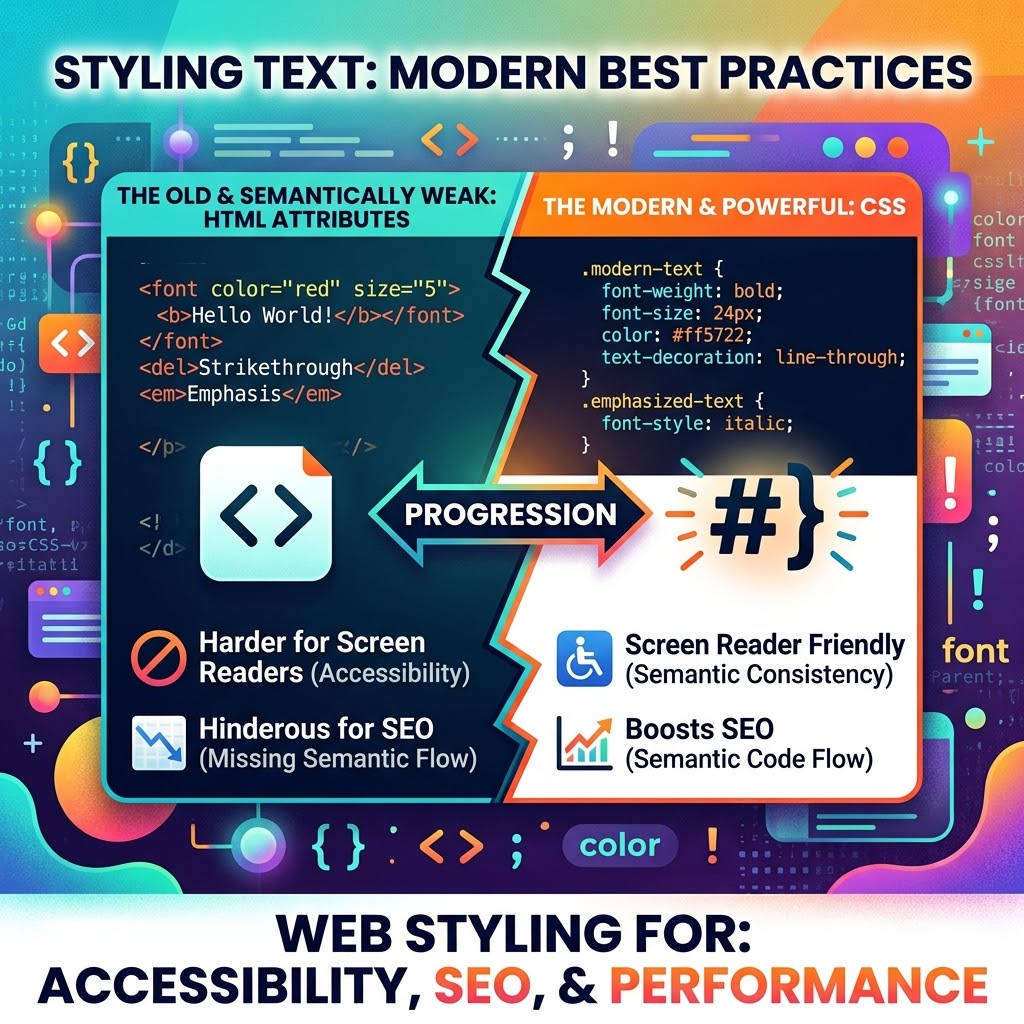
Styling Text with CSS and Why It’s Important Versus HTML Style Tags
HTML 4 and prior best practices for text styling included markup tags such as:
<b> (bold), <u> (underlined), <i>(italicized), and <s> (strikethrough).
Now, with HTML 5, this is no longer the best practice. In fact, CSS is an encouraged and appropriate route for styling and aesthetics.
But why exactly is this the new method and approach to responsive web design?
Accessibility and SEO
CSS controls how text looks; HTML tells browsers and assistive technologies what the text means. Keeping those jobs clear makes a page easier to maintain and helps preserve its meaning across different devices, styles, and assistive technologies. W3C WAI
That doesn’t mean <b>, <i>, <u>, and <s> are forbidden in modern HTML. They still have defined uses. But if your only goal is visual, making words bold, italic, underlined, or crossed out, CSS is usually the better tool. For meaning, choose the right element: use <strong> for importance, <em> for emphasis, and <del> when content has been removed.
If you just want bold text for styling, see the following example.
HTML:
<p class=”highlight”>Learn the basics of CSS.</p>CSS:
.highlight { font-weight: bold;}If the words are important, use HTML to express that meaning:
<p><strong>Back up your site before updating it.</strong></p>This distinction matters for accessibility. Screen readers and other assistive tools rely on the structure and semantics in the HTML. If emphasis or importance matters, communicate it with appropriate markup instead of relying on appearance alone. CSS can then style that markup, while users can still adjust or override presentation to suit their needs. W3C WAI
It also supports good SEO practices. Search engines can use semantic HTML to understand page content and structure, so headings should be actual headings, paragraphs should be paragraphs, and important text should use suitable markup. CSS styling alone does not tell a search engine that text is a heading or especially important. Google also notes that text added only through CSS isn’t part of the page’s DOM and may not be indexed. Google Search Central
Easier to Maintain and Adapt
When styling is scattered through HTML, changing your site’s look can mean editing many pages. With CSS, you can define a style once and reuse it across your site. Want to change the font, spacing, or color of all your headings? Update the stylesheet, and the change can apply everywhere that style is used.
CSS also makes it easier to adapt a site to different screen sizes and user preferences. You can adjust text sizes, spacing, and layouts for phones, tablets, and desktop screens without changing the underlying content.
A Simple Rule to Remember
Use HTML for structure and meaning. Use CSS for appearance.
So, don’t remove meaningful HTML just because CSS can make text look similar. Instead, choose the HTML element that best describes the content, then use CSS to control its appearance. That gives your site a solid foundation for accessibility, search, and responsive design.
Leave a Reply