
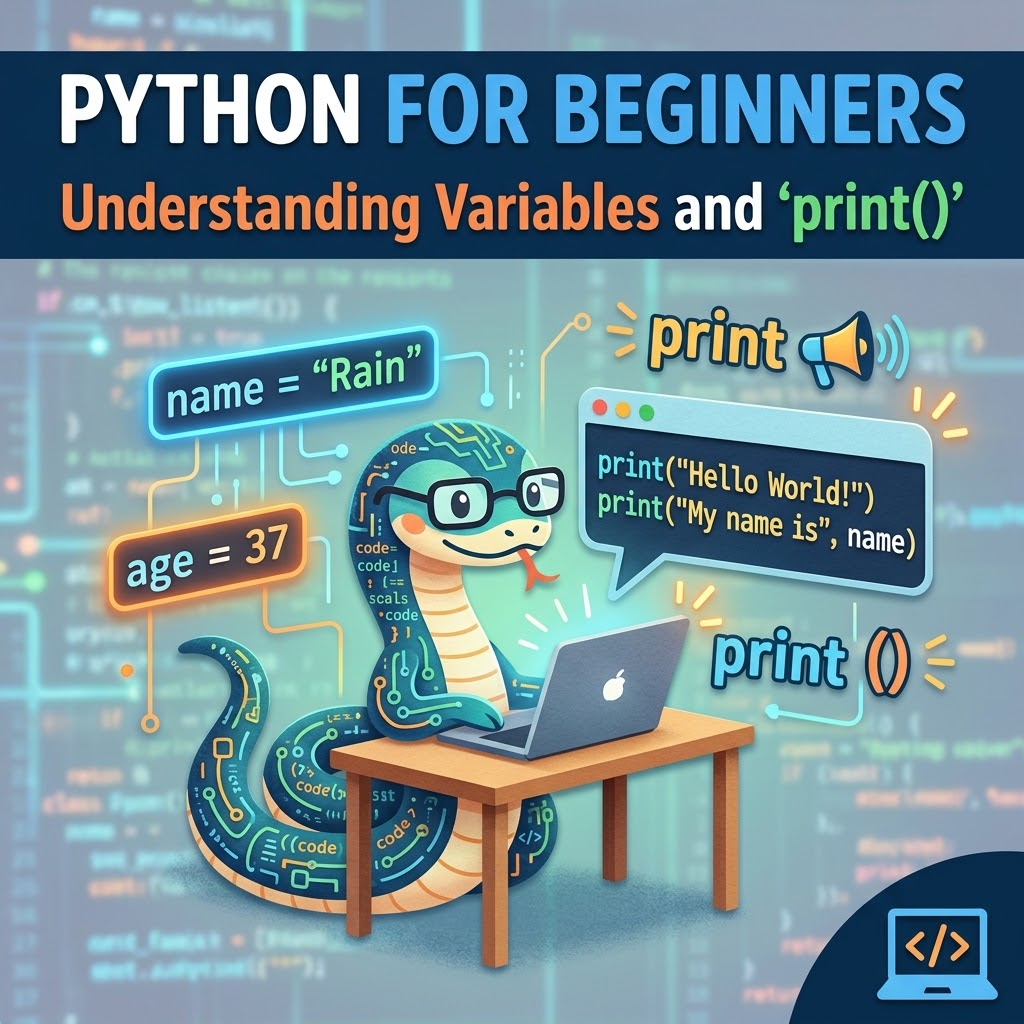
Python for Beginners: Understanding Variables and print()
If you’re brand new to Python, staring at a few lines of code can make it look much more complicated than it really is.
Let’s start with something simple: variables and the “print()” function.
These are two of the first things you’ll encounter when learning Python and understanding them gives you a foundation for working with much more complicated code later.
What is a variable?
A variable is essentially a name that we give to a piece of information so we can use it later.
For example:
name = “Rain”age = 37Here, I’ve created two variables: “name” and “age”.
The variable called “name” contains the text “Rain”, while “age” contains the number “37”.
Python doesn’t require you to declare the type of variable beforehand. You can simply assign a value to a name, and Python figures out what kind of data you’re working with.
You can then use those variables elsewhere in your program.
Using print()
Now let’s actually do something with our variables.
name = “Rain”age = 37print(name)print(age)When this code runs, Python displays:
Rain37That’s what “print()” does: it tells Python to display something in the output.
And because we’re using the variable names inside “print()”, Python retrieves the values stored in those variables.
Putting text and variables together
We can also make our output a little more interesting.
name = “Rain”age = 37print(“My name is”, name)print(“I am”, age, “years old.”)The output would be:
My name is RainI am 37 years old.Notice that the words we want Python to display are surrounded by quotation marks.
That’s because “My name is” is a string, which is Python’s name for a piece of text.
The variable “name”, however, doesn’t need quotation marks. If we wrote “name” instead, Python would treat it as the literal word name rather than looking for the value stored in our variable.
That’s a small distinction, but it’s an important one.
Try changing it yourself
One of the best ways to learn programming is to stop reading and start messing with the code.
Change the values:
name = “Your Name”age = 25print(“My name is”, name)print(“I am”, age, “years old.”)Try changing your name and age.
Then try creating another variable:
favorite language = “Python”Can you figure out how to print it?
Here’s one possible answer:
print(“My favorite programming language is”, favorite language)And that’s really the point of a beginner lesson like this.
You don’t need to understand all of Python at once. Start by learning what individual pieces of code do, experiment with them, and gradually begin combining those pieces. Programming becomes a lot less intimidating once you stop looking at the entire language and start looking at one small problem at a time.
Leave a Reply