
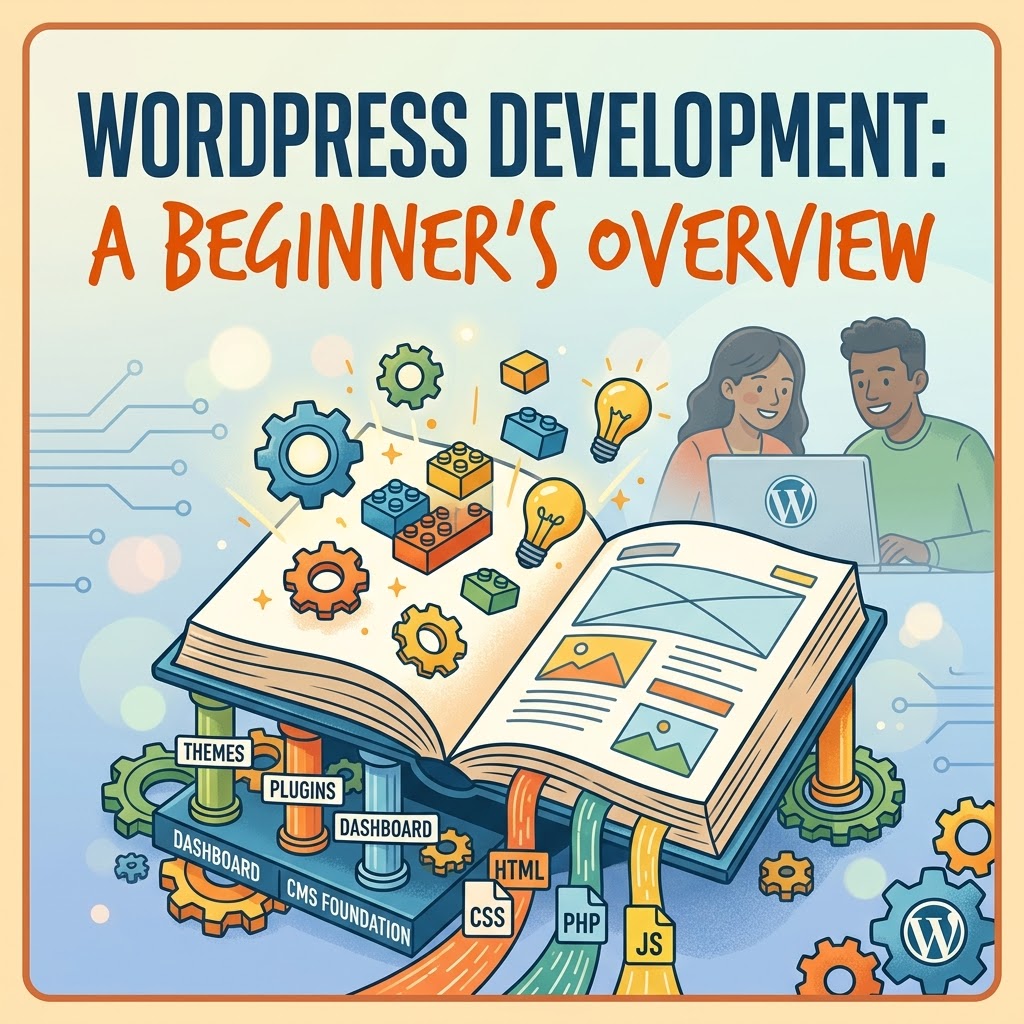
Quick Overview of WordPress and WordPress Development
If you’ve ever wanted to build a website, you’ve probably come across WordPress. It’s a popular platform for creating websites, but what exactly is it, and what does WordPress development mean?
Let’s start with the basics.
What Is WordPress?
WordPress is a content management system (CMS) that allows people to create, manage, and publish website content without having to build everything from scratch.
Think of it as a foundation for a website. Instead of coding every page, navigation menu, and content area yourself, WordPress provides tools to help you build and manage those pieces.
You can use WordPress to create all kinds of websites, including blogs, business websites, portfolios, online stores, educational resources, and much more.
One of its biggest advantages is flexibility. You can start with a relatively simple website and expand its functionality as your needs change.
How Does WordPress Work?
WordPress brings together several pieces that work to make a website function.
Themes control much of a website’s visual presentation and layout. They provide a starting point for how your website looks, although customization options vary depending on the theme.
Plugins extend WordPress by adding features or functionality. For example, you might use a plugin to create contact forms, improve SEO workflows, or add e-commerce features.
The WordPress dashboard is the administrative area where you manage your website. From there, you can create pages and blog posts, upload media, manage settings, and customize different parts of your site.
These tools allow you to build and manage a website without needing to write code for every individual task.
However, WordPress isn’t limited to people who don’t code. Developers can work with its underlying technologies to customize websites, create themes and plugins, and build more advanced functionality.
Is WordPress the Same as Coding a Website?
Not exactly.
WordPress is a platform, while coding is one way to create or customize the things that run on it.
You can build a functional WordPress website using its built-in tools, a suitable theme, and plugins without writing much code yourself.
But if you want more control over how your website looks or behaves, programming knowledge can open up additional possibilities.
WordPress development can involve HTML for structuring content, CSS for styling, JavaScript for interactive features, and PHP for much of WordPress’s server-side functionality. Developers may also work with databases and APIs, depending on the project.
You don’t need to learn all of these technologies before you can start using WordPress. They become more relevant as you move from managing a website toward customizing and developing one.
What Is WordPress Development?
WordPress development is the process of building, customizing, extending, or maintaining websites and functionality using WordPress.
That can mean modifying a theme, creating a custom website layout, developing a plugin, improving performance, or troubleshooting an issue.
Some WordPress developers focus primarily on design and the tools available within WordPress. Others work extensively with code to build custom features and more complex solutions.
There isn’t just one way to approach WordPress development. The skills you need depend on what you want to build.
For beginners, learning how WordPress works is a practical first step before moving into more advanced customization and programming.
WordPress.com vs. WordPress.org
You may also encounter two names when researching WordPress: WordPress.com and WordPress.org.
They’re related, but they’re not the same service.
WordPress.org provides the open-source WordPress software that you can install on a compatible web host. This route gives you substantial control over your website, hosting environment, and customization options.
WordPress.com is a hosted service that handles much of the technical infrastructure for you. The features and customization options available depend on your plan.
Neither option is automatically right for everyone. Your choice depends on your budget, technical comfort, and how much control you want over your website.
Is WordPress Worth Learning?
If you’re interested in creating websites, WordPress is a useful platform to understand.
It can help beginners learn the practical side of building and managing a website, including content organization, page structure, design, accessibility, SEO, and site maintenance.
It can also provide a foundation for learning web development. Once you’re comfortable with the platform, you can gradually explore the code behind its themes, plugins, and functionality.
You don’t have to master everything at once. Start by learning how to navigate the dashboard, create pages and posts, and understand how themes and plugins work together.
From there, you can decide whether you want to focus on building websites with WordPress tools, learning to customize them with code, or pursuing more advanced development.
Final Thoughts
WordPress is more than a tool for publishing blog posts. It’s a flexible website platform that can support everything from a simple personal blog to a feature-rich business website.
WordPress development takes that foundation a step further by allowing you to customize, extend, and maintain what the platform can do.
If you’re just starting out, focus on understanding the platform before worrying about the more advanced technical details. Once the basics make sense, you’ll have a much clearer picture of what you can build and which skills to learn next.
And that’s the beauty of learning web development: you don’t have to understand everything on day one. You just need a place to start.
Leave a Reply